How to Film a K-Pop Audition at Home
Prepare clear vocal and dance audition videos at home with practical checks for framing, lighting, sound, file size, and submission instructions.

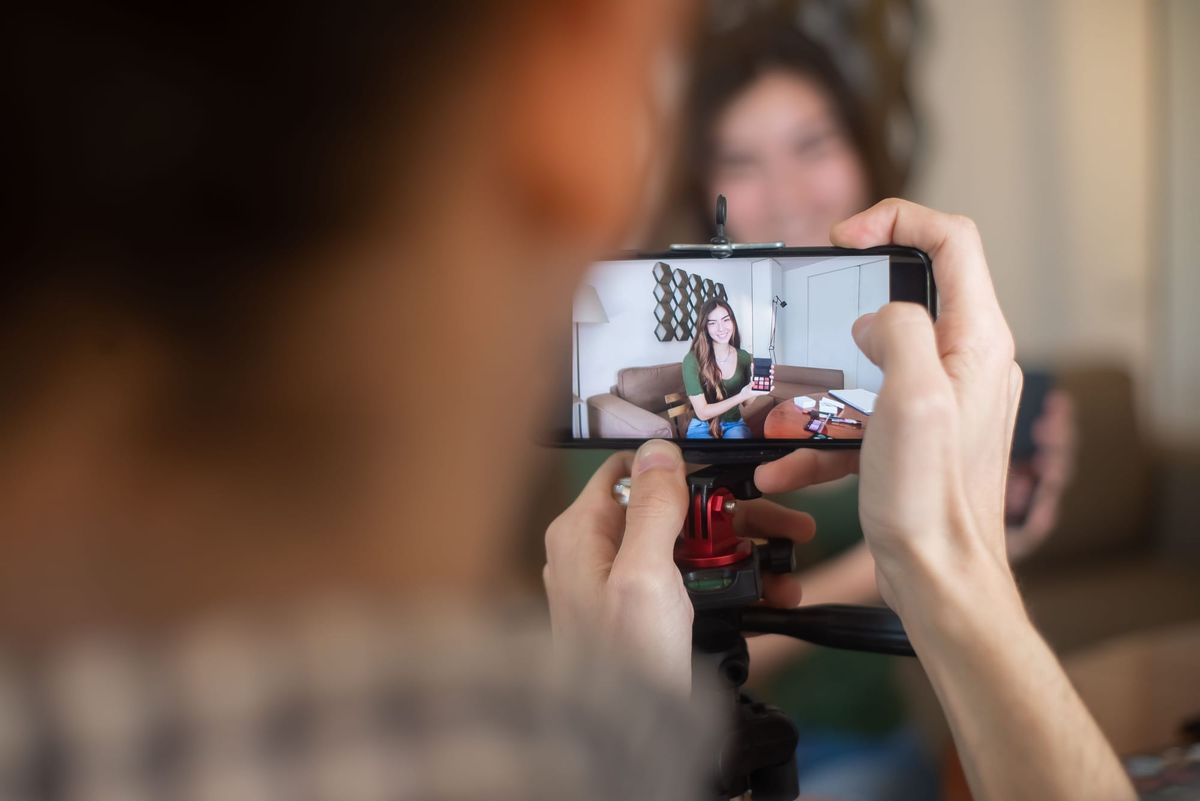
To prepare a K-pop audition video at home, start with the company's current instructions, then make a recording where your voice, face, and movement are clear. You need a dependable setup more than a complicated edit.
Separate your vocal and dance checks. A close frame can show expression in a singing clip, while a dance recording needs room for your whole body and full movements.
What should you check before recording?
| Part | Practical starting point |
|---|---|
| Instructions | Check the official account or website for categories, length, framing, and submission method |
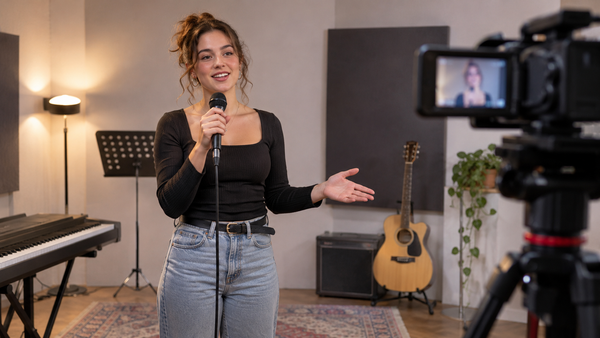
| Vocal frame | Try a chest-up or waist-up view, unless another frame is required |
| Lighting | Face natural light or a soft light; avoid a bright window behind you |
| Dance frame | Keep your whole body visible, with space around your movement |
| Background | Choose a clear, uncluttered area |
| Files | Check the format, size, sound, and link access before submitting |
Where should you find the instructions?
Follow your target company's official audition account and website. Saving those accounts in one place, or using a separate private social account to follow them, can make the information easier to track. Use official links to confirm what the application actually asks for.
Application methods differ. An audition may ask for an online form, email attachments, or video links. Check which introduction, performance clips, and photos are required before making your files. Do not assume an application method from another company will work.
How should you film your vocal video?
Test a chest-up or waist-up frame when the instructions allow it. Keep your face visible and leave room for natural posture. Try the camera around eye level or slightly above it, with only a gentle downward angle, then compare the recordings. Choose a view that lets the evaluator see you clearly without distortion.
Face a window for soft natural light. If you record after dark, a ring light or another soft light can help. Avoid a strong light behind you, which can make your face difficult to see. Keep your natural appearance clear rather than relying on filters.
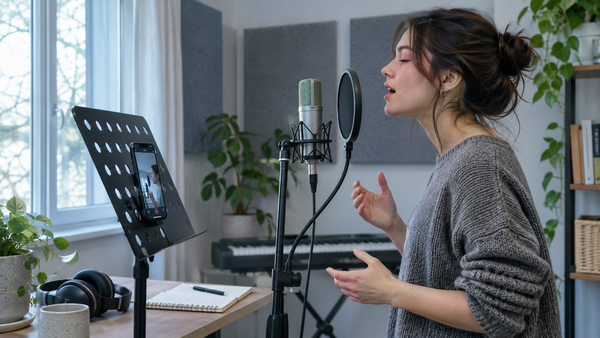
Record a short sound check and play it back. Make sure your voice is understandable and the accompaniment does not cover it. Use the audio and accompaniment format the audition permits.
How should you film your dance video?
Clear the space and choose a simple background. Position the camera far enough away to show your feet, hands, and full movement throughout the cut. Test the largest movements before making the final take.
Wear appropriate shoes for the choreography and a stable surface. Check that you have enough space from the wall and surrounding objects. A full-body frame is only useful if you remain inside it while dancing.
Review whether the movement and music stay in sync in the saved file. If the instructions require an unedited take, preserve it. Do not cut together performances or alter timing to conceal mistakes.
What should you check before submitting?
If a video link is accepted, confirm the requested privacy setting and test that the link works for someone who is not signed into your account. An unlisted link is accessible to people who have it; it is different from a private video.
If your file exceeds the stated size limit, use the allowed format and appropriate compression, then review the exported result. Check that your face and movement remain clear, your voice is audible, and sound stays synchronized.
Frequently asked questions
Do I need a ring light?
No. Clear natural light can work. Review a test recording before deciding whether extra light would help.
Should I upload every audition video as an unlisted YouTube video?
Only when that submission method is accepted. Follow the specific application instructions.
What if the recording looks good but the singing still feels uncertain?
Review the song and performance separately from the setup. A clear camera cannot solve an unsuitable key or an unprepared phrase.
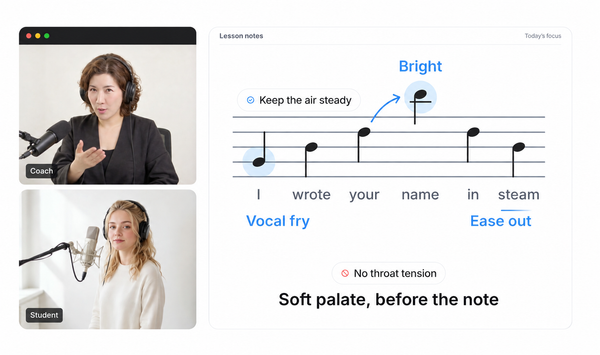
K-POP VOCAL COACH's vocal analysis and one-on-one online lessons help you choose a suitable cut and work on tone, rhythm, and expression before the final take. Coaches with idol and trainee training experience can connect feedback to the performance you plan to submit.

Girls Planet: Contestant Coaches, Direct Submission Support
Prepare your Girls Planet audition tape with focused vocal coaching, camera practice, and a clear submission plan. Explore contestant coaching and Nian’s story.

How to pass a K-Pop Audition?
Prepare for a K-pop audition with practical advice on song choice, dance, warm-ups, introductions, and what to bring on audition day.

How can you prepare for K-Pop auditions as a foreigner?
Prepare for K-pop auditions as an international applicant: review requirements, plan your introduction, choose a song, and rehearse singing and dance.

What K-Pop Audition Judges Notice Beyond High Notes
Prepare a K-pop audition that shows your tone and personality, with practical checks for song choice, introductions, eye contact, and posture.