3 USB Microphones for Online Vocal Lessons: Which One Fits You?
Compare the Shure MV7, AT2020USB-X, and Blue Yeti for online singing lessons, with practical advice on room noise, connections, and setup.

A USB microphone connects directly to your computer, so you can take online vocal lessons and record practice without a separate audio interface. Our microphone guide highlights three options: the Shure MV7, Audio-Technica AT2020USB-X, and Blue Yeti. The right choice depends on your room, your setup, and what else you want to record.
Compare the three microphones
| Microphone | Type | A good fit for | Keep in mind |
|---|---|---|---|
| Shure MV7 | Dynamic, cardioid | Close-mic vocals in a room with background noise | Speak or sing into the end; the original MV7 uses Micro-B USB. |
| Audio-Technica AT2020USB-X | Condenser, cardioid | Detailed vocal recordings in a quiet room | USB-C output; supports up to 24-bit/96 kHz recording. |
| Blue Yeti | Condenser, four pickup patterns | Lessons, practice recordings, and streaming | Use cardioid for solo vocals; sing into the side of the mic. |
Why choose a USB microphone?
A USB mic keeps your setup simple. You connect it to your laptop and select it as the input in your lesson or recording app. You can use the same microphone for a lesson, a practice recording, or a video.
It also removes the need to buy a separate audio interface for USB use. You may still need headphones, a stand, or an adapter that matches your computer.
Shure MV7: our pick for a noisier room

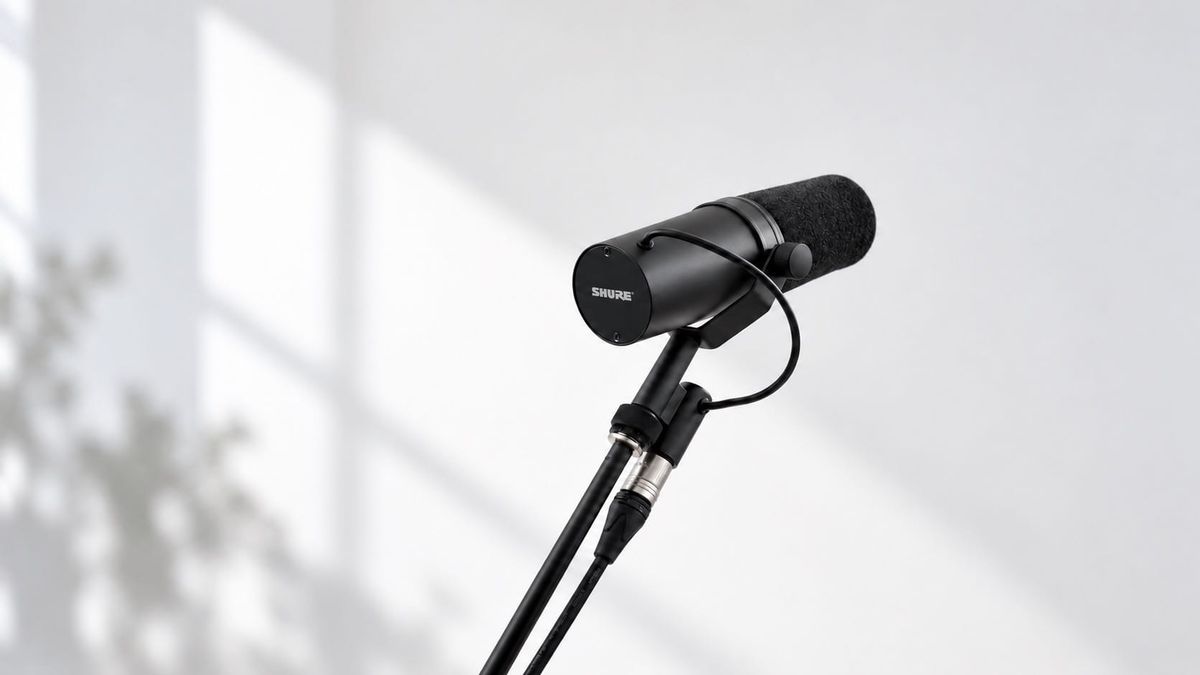
The original MV7 is a dynamic microphone with a cardioid pickup pattern. Shure’s Voice Isolation design focuses on sound in front of the microphone. With close placement, it can help keep your voice more prominent than sounds elsewhere in the room.
That makes it our first option to consider if you cannot record in a very quiet space. It will not make a noisy room silent: placement, input level, and the distance between you and the mic still matter.
The MV7 supports both USB and XLR connections. Use USB for a direct computer setup. Check the exact model before buying: the original MV7 and newer MV7 variants have different connections and features. Read Shure’s MV7 guide.
AT2020USB-X: for hearing vocal detail
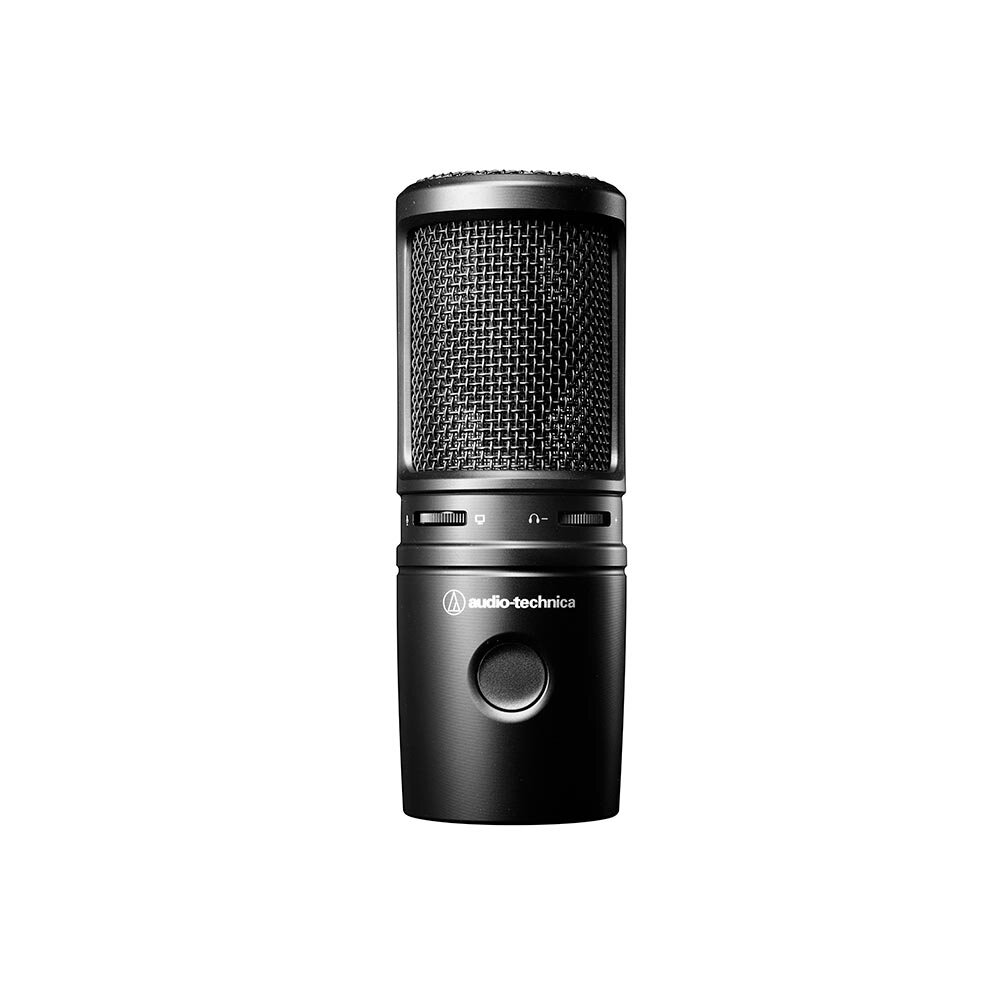
The AT2020USB-X is a cardioid condenser microphone with USB-C output and recording support up to 24-bit/96 kHz. It is a useful option if you want to listen closely to the details in your vocal recordings.
Choose it with your room in mind. A quiet space helps you capture the voice clearly without distracting background sound. Its headphone output lets you monitor the microphone directly, and its mix control balances microphone sound with computer audio. See Audio-Technica’s product specifications.
Blue Yeti: one mic for several uses
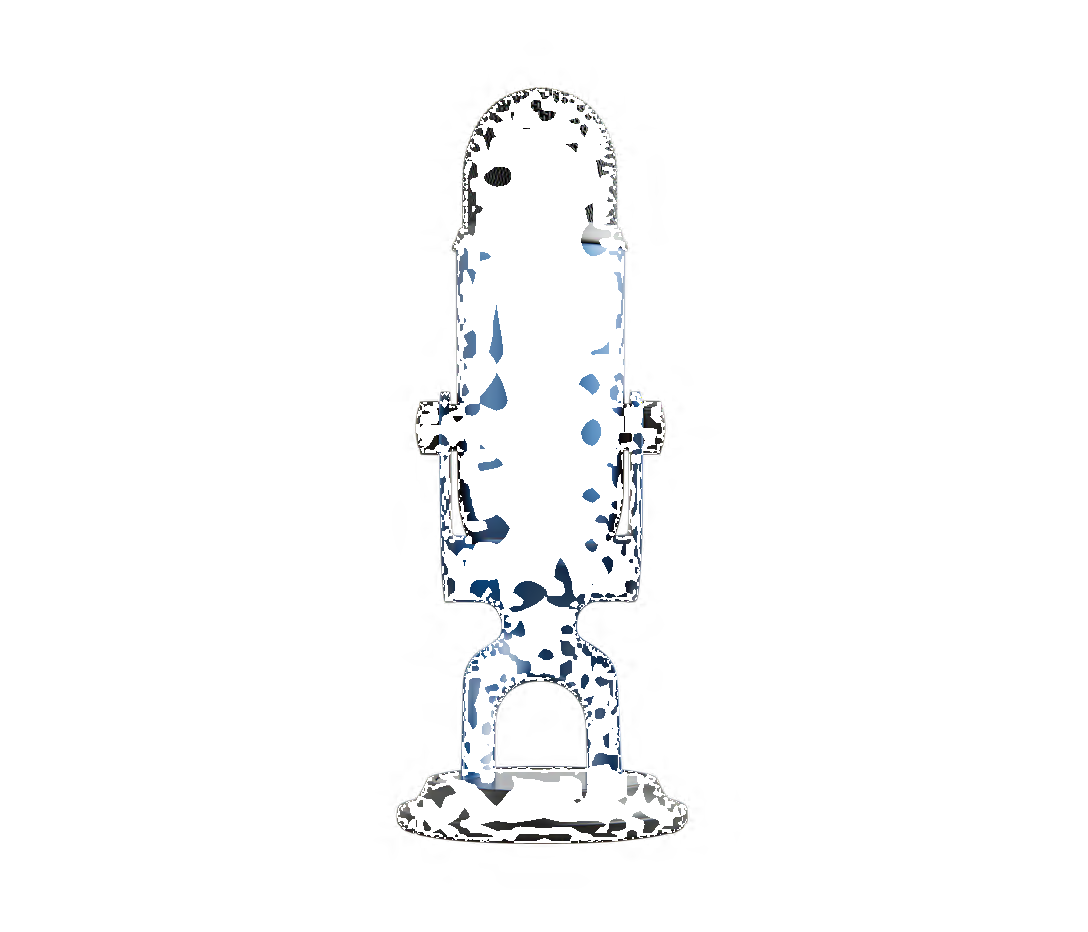
The original Blue Yeti offers four pickup patterns: cardioid, stereo, omnidirectional, and bidirectional. That flexibility is useful if you want a microphone for solo singing, streaming, and other recording projects.
For a one-person vocal lesson, start with cardioid. Sing into the front side of the microphone rather than the top. The other patterns serve different recording situations; you do not need to switch between them just because you are singing.
If the Yeti is your lower-cost option locally, it can be a practical all-rounder. Compare the actual price and included accessories before choosing. Read the Yeti setup guide.
Check these before your first lesson
- Check the connection. USB does not always mean USB-C. Confirm the mic’s port, the included cable, and your computer’s ports.
- Select the microphone in your app. Connecting it does not always change the input automatically.
- Use headphones. Keep the coach’s voice and backing track from playing back into the mic.
- Test your loudest phrase. Adjust the input level so strong notes do not distort.
- Keep the setup consistent. Use a stable stand and a repeatable distance when comparing practice recordings.
Which one should you choose?
Start with the MV7 if your priority is close-mic vocals in a room with background noise. Consider the AT2020USB-X if you have a quiet recording space and want vocal detail. Consider the Yeti if you want several recording uses from one microphone.
Your microphone helps your coach hear you. The next step is knowing what to work on. Explore online one-to-one lessons with K-POP VOCAL COACH and bring your recordings and questions to your lesson.